Observation Groups
The izeltlabuak.hu website primarily focuses on arthropods found in Hungary. This entry also deals with Hungarian fauna.
Overview
With observation groups, you can organize your observations logically. This is particularly useful if you want to group your observations for different purposes:
- For different projects or research purposes
- For events (e.g. European Moth Night, National Moth Week)
- Observations from one area (e.g. Naszály, Mecsek)
- Observations from one trip (e.g. Mecsek 2024.05.18-19)
Observation groups help with:
- Better overview of your observations
- More efficient data management and organization
- Project-based work and research
- Event-specific observation handling
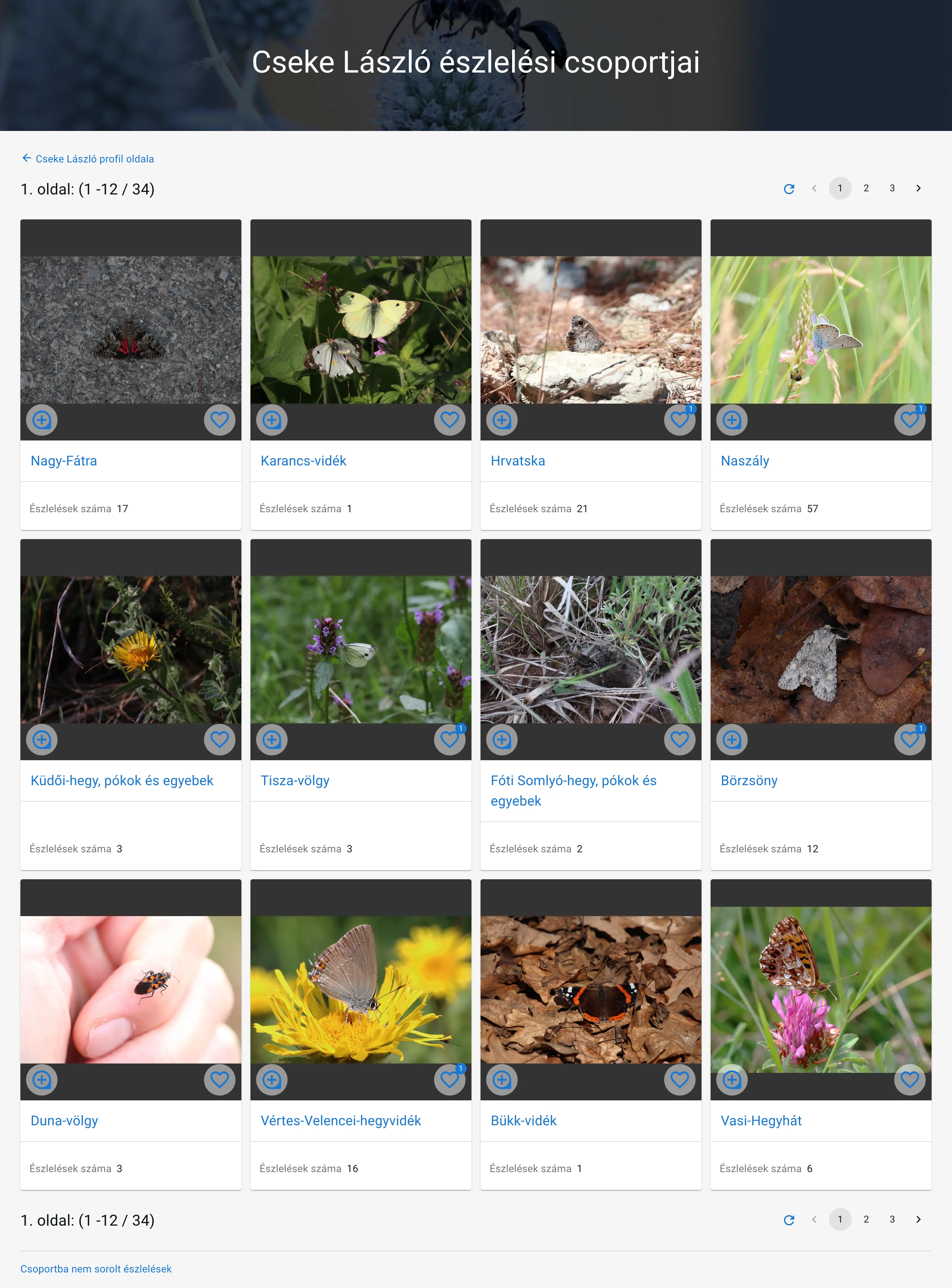 Example: László Cseke's observation groups
Availability
Recording or Editing Observations
You can assign your observations to observation groups during recording or editing observations.
You can select an existing observation group or create a new one.
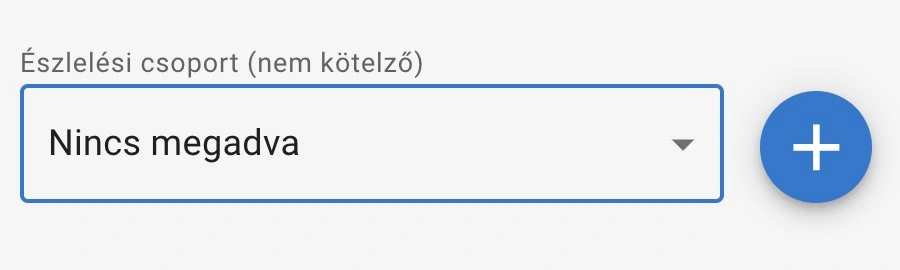
Observation group selection
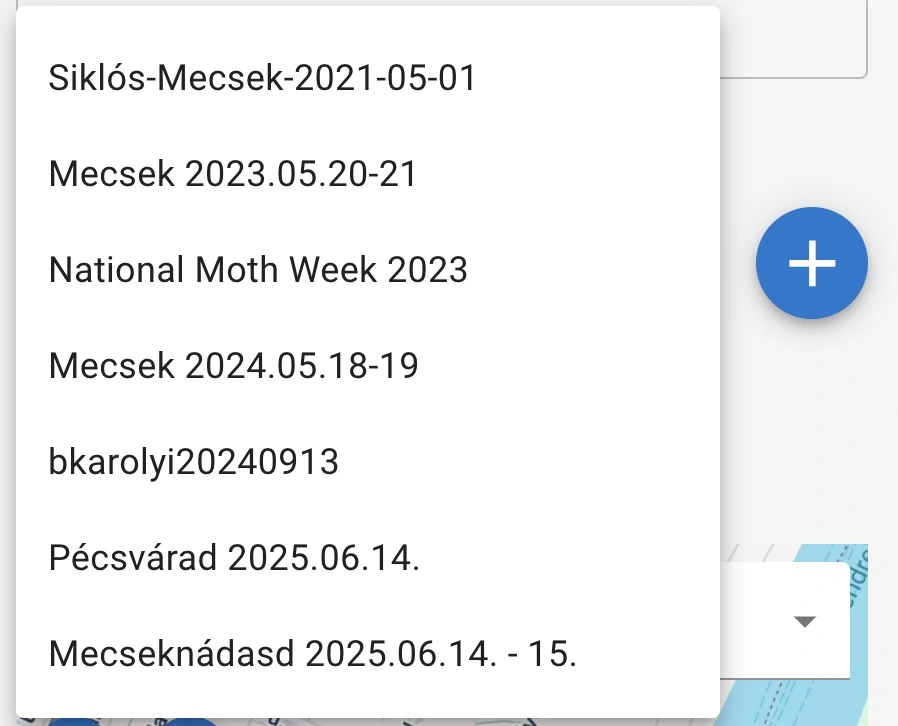
Observation group selection in open state
Observation Groups
You can access all of a user's observation groups using the 'Observation Groups' link on the profile page.
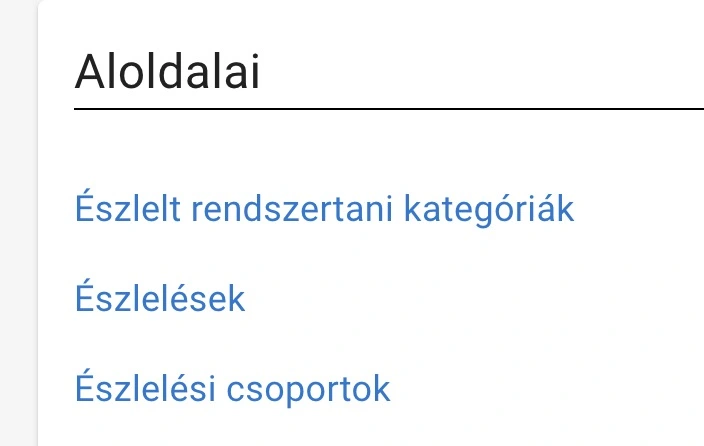
Profile page Observation Groups link
Observation Group
You can access a specific observation group from the observation groups summary page or from a specific observation page.
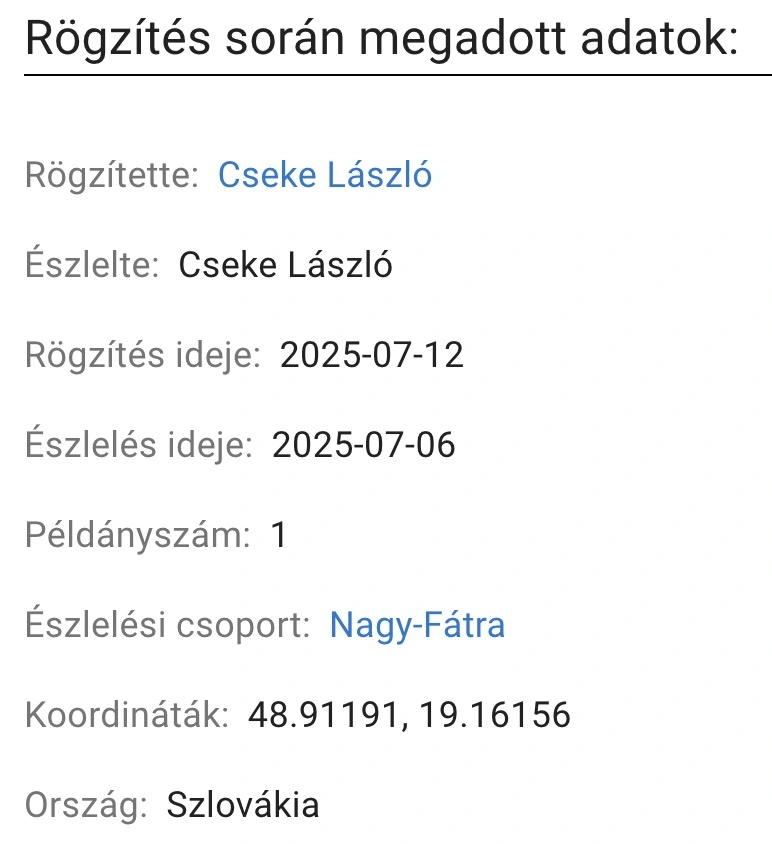
Observation page Observation Groups link
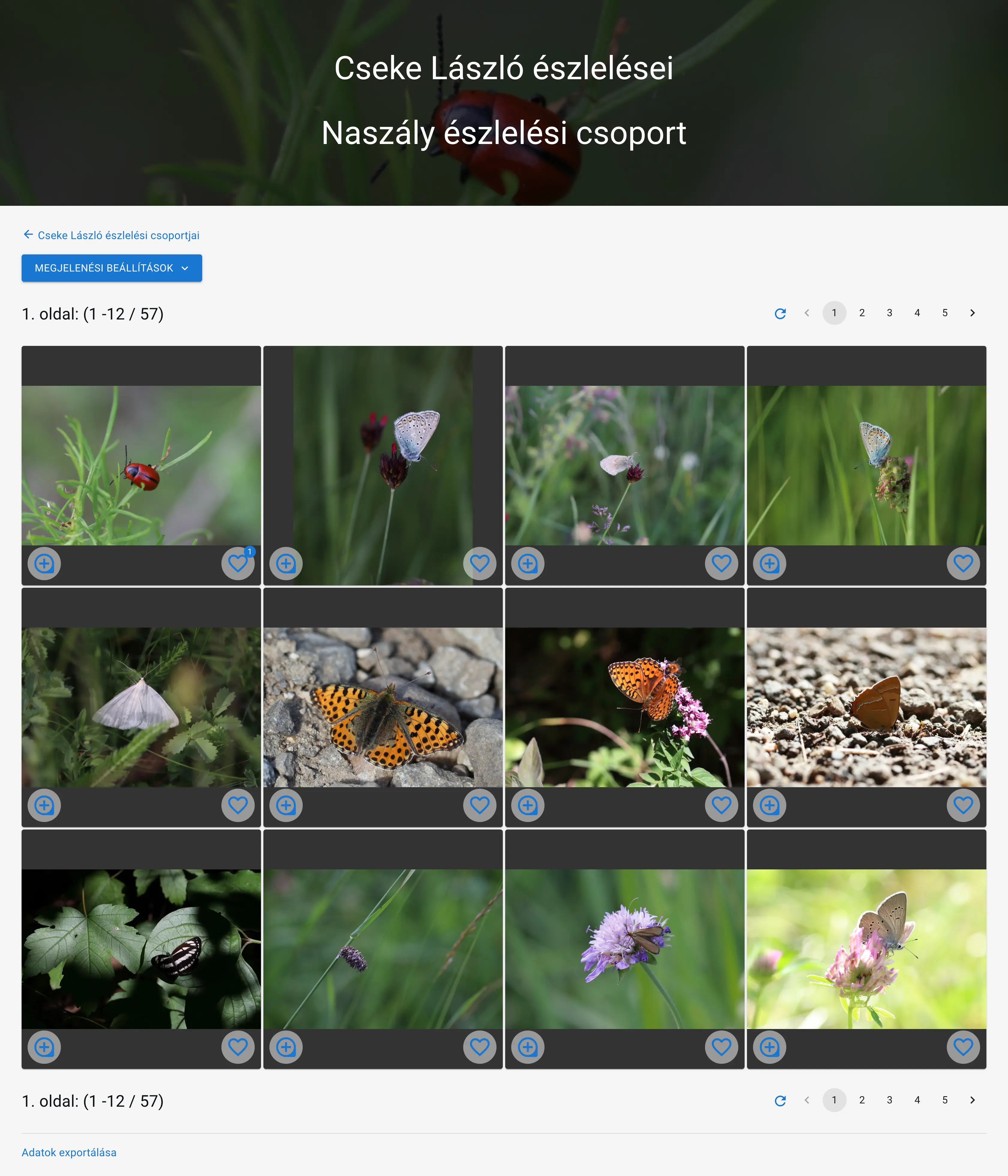 Example: László Cseke's observation groups
Creating New Observation Group
You can create a new observation group
- during recording or editing an observation
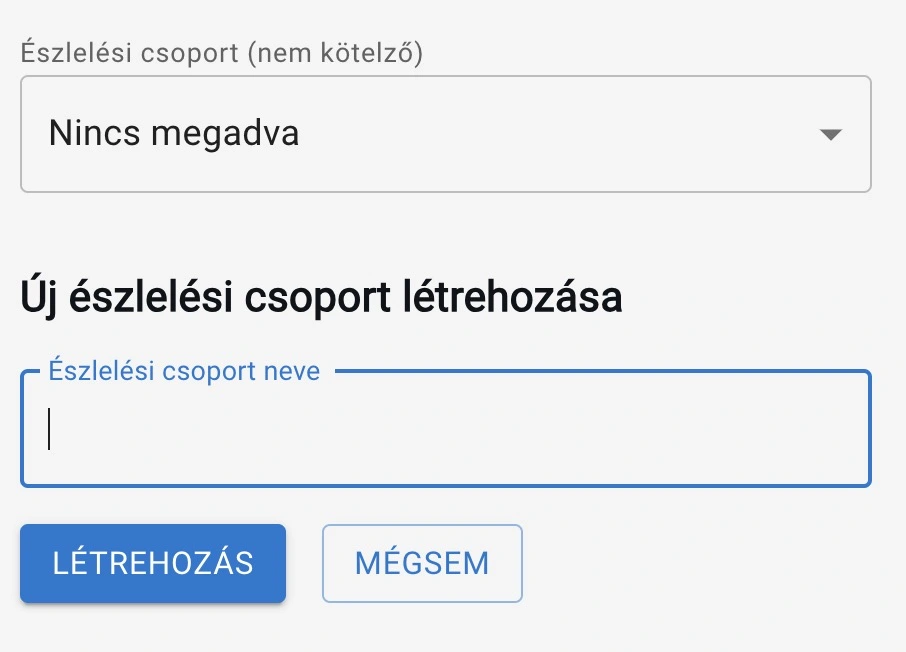
Creating new observation group during recording or editing
- at the bottom of your observation groups summary page
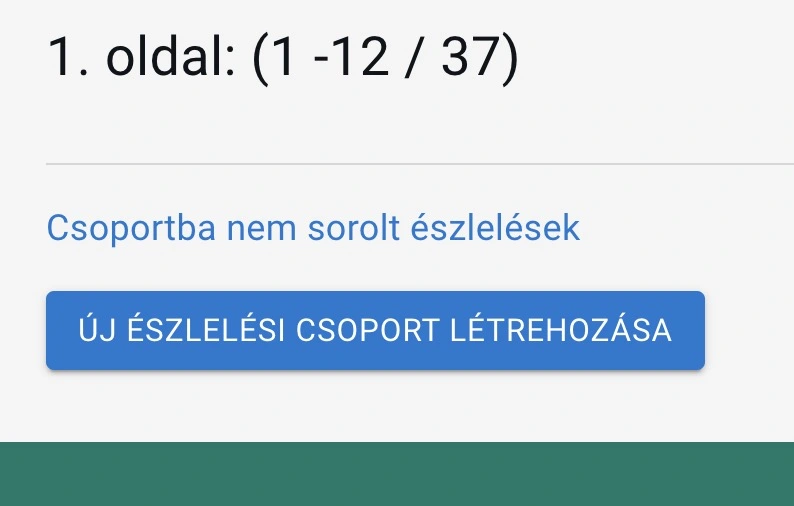
Creating new observation group at the bottom of your observation groups summary page
Editing Observation Group
You can edit the name and description of an existing observation group.
You can reach the editing page by clicking the 'Edit' link of the observation group list elements on the observation groups page.
Observation Groups Structure
Navigation
At the top of the page, we can proceed to the user's profile page.
Observation Groups List Elements
In the list elements, we can see all of the user's observation groups in a paginated list.
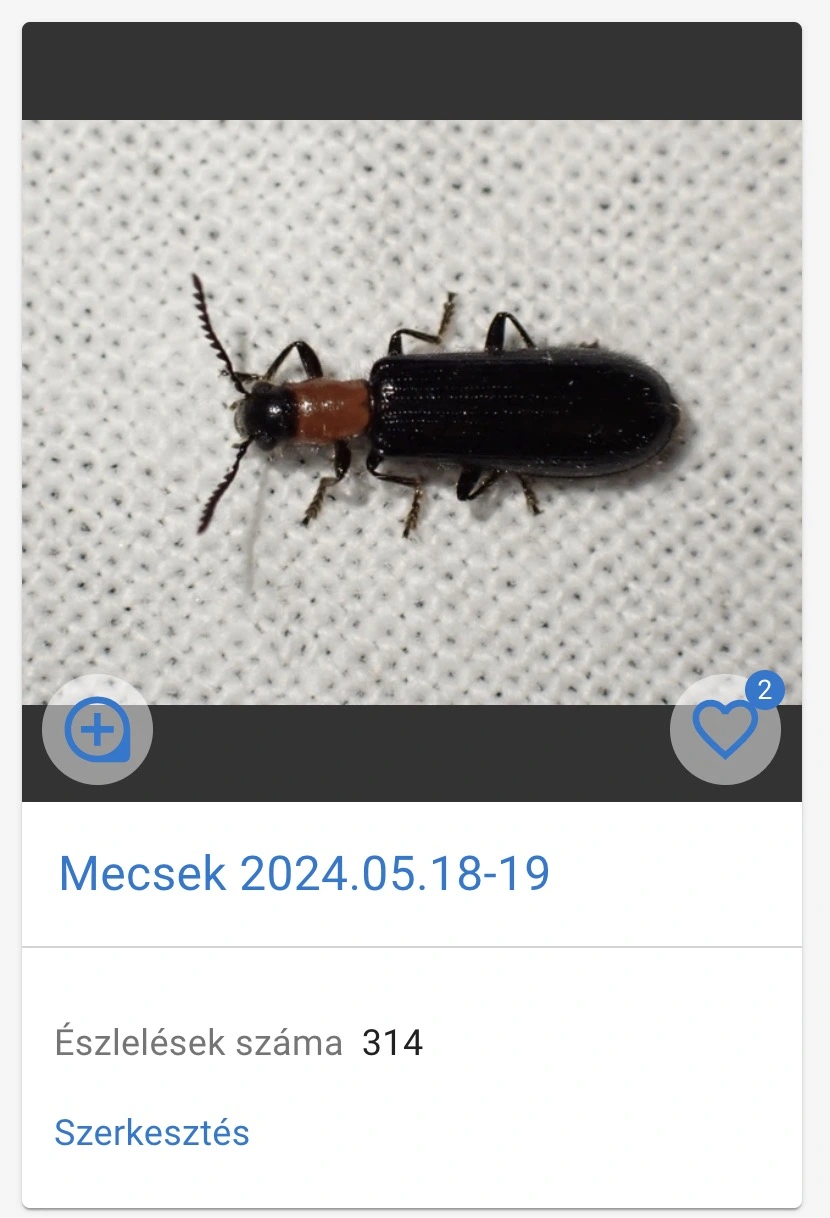 Observation groups list element
In the list elements, we find the following:
- Featured image: The observation group's automatically featured image.
- Name: The observation group's name.
- Number of observations: The number of observations in the observation group.
- Edit link: Link to the editing interface for the observation group's name and description.
Additional Functions
At the bottom of the page, we can proceed to observations not assigned to observation groups, and we can initiate the creation of a new observation group.
Observation Group Page
Navigation
At the top of the page, we can proceed to the user's observation groups summary page.
Below that, the group description is visible.
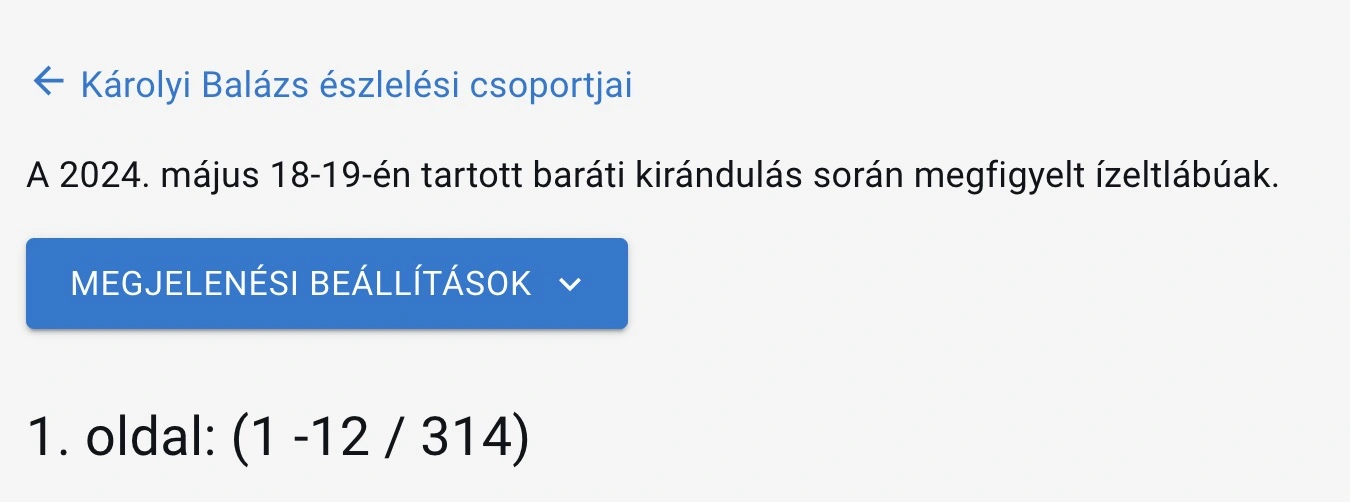
Observation group page navigation
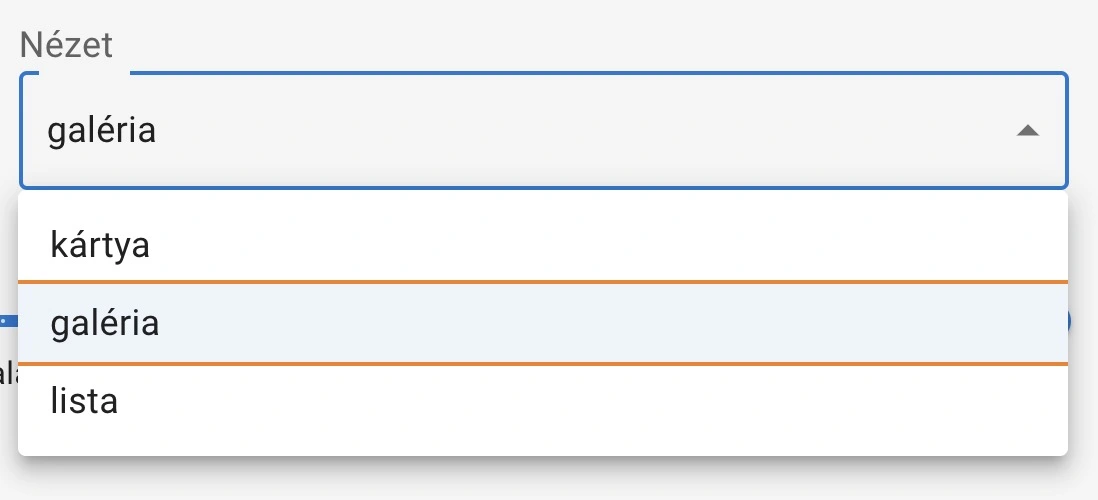
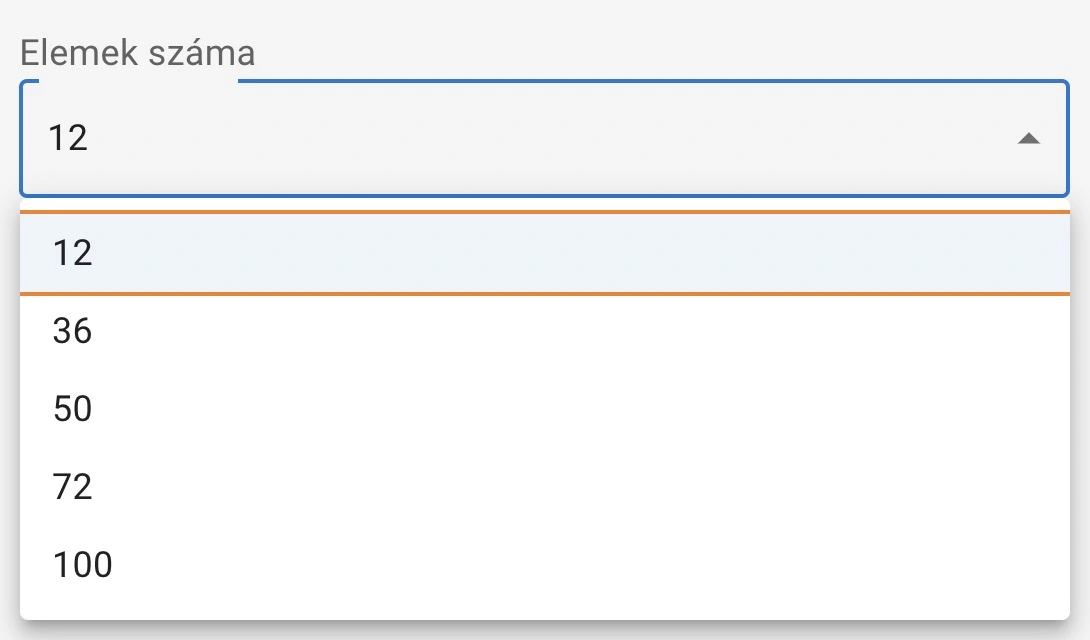
Display Settings
With display settings, you can customize how the list elements appear and filter them according to various criteria.
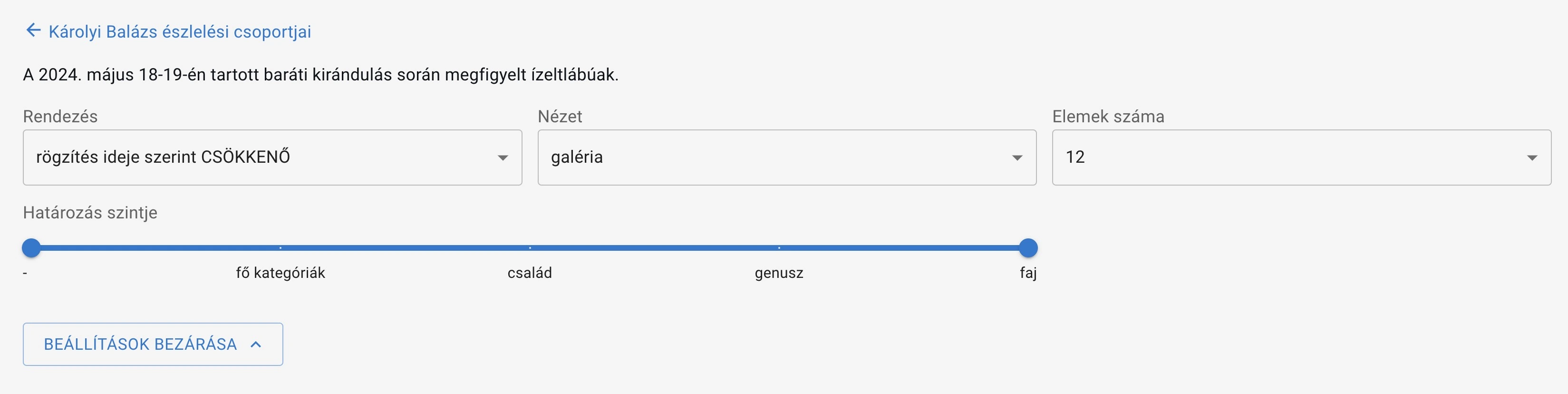
Display settings in open state
You can use the following settings for sorting and filtering:
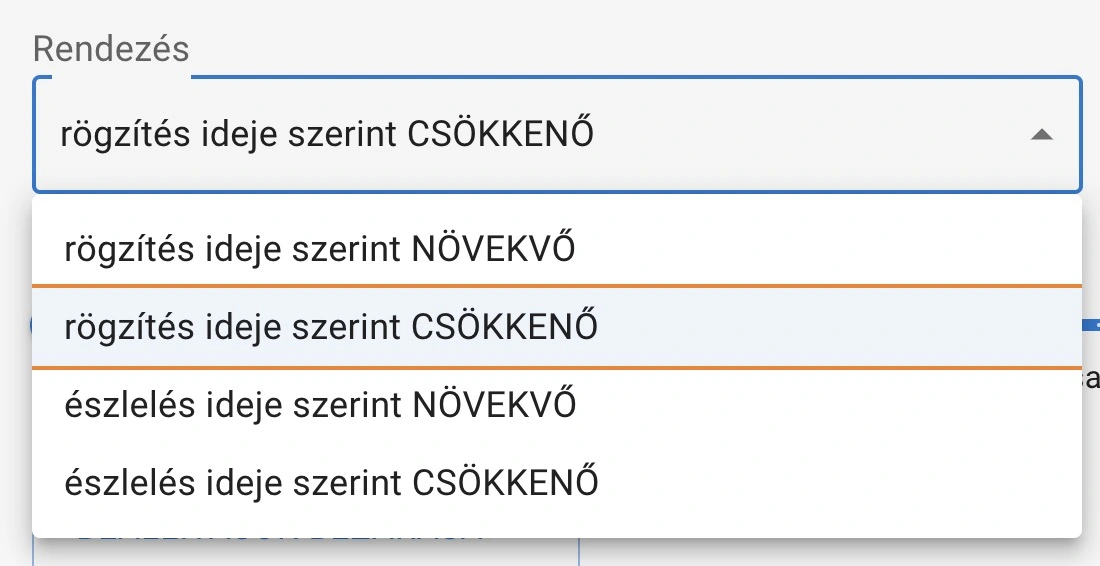

Observation Group List Elements
The page contains a paginated list of the observations in the user's observation group.
In the observations list, each list element represents one observation. The list element contains the observation's image or images, as well as the observation's detailed data.
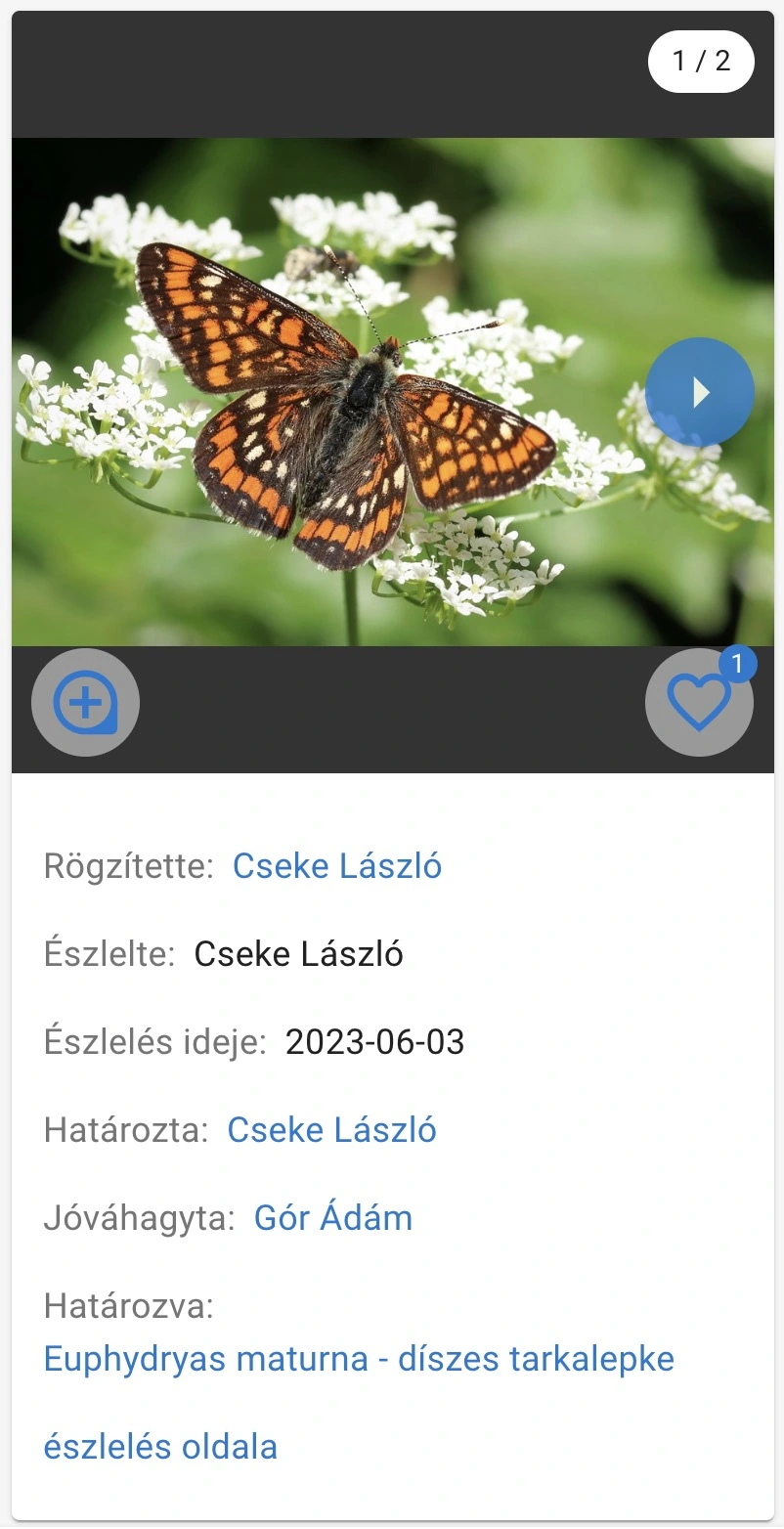 Observation group list element
Export
At the bottom of the observation group page, you can export the observations belonging to the observation group in CSV format.
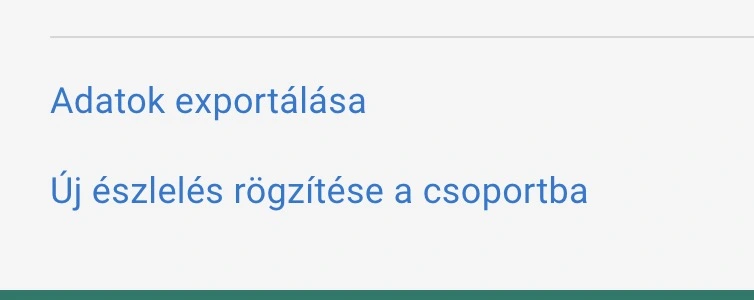
Observation group export