The izeltlabuak.hu website primarily focuses on arthropods found in Hungary. This entry also deals with Hungarian fauna.
User Account
What you can read here
This page contains all important information about user account management on the izeltlabuak.hu platform.
- Benefits of registration - Why register a user account?
- Registration process - With email address or social platforms (Facebook, Google)
- Login options - Different methods for logging in
- Account linking - How to use multiple login methods simultaneously
- Password management - Password change and recovery
- Account deletion - Data backup and permanent account removal
- Troubleshooting - Help with problems
The document provides detailed instructions for every step, with images illustrating the processes.
Benefits of Registration
To view our content, such as Hungarian arthropods, observations, other subpages, user registration is not required. These are always public and freely accessible.
A registered user is required for data recording for the following reasons:
- this way you can determine how your data can be used
- your recorded observations can be assigned to you. You can review them by taxonomic categories, organize them into observation groups, participate in events, and modify them later.
Registration
You have several options for registration. Choose the method that is most convenient for you. Every registration method is secure and free.
With Email Address
Email registration is the ideal solution for most users. This method allows you to maintain full control over your account and always have access to the password recovery function.
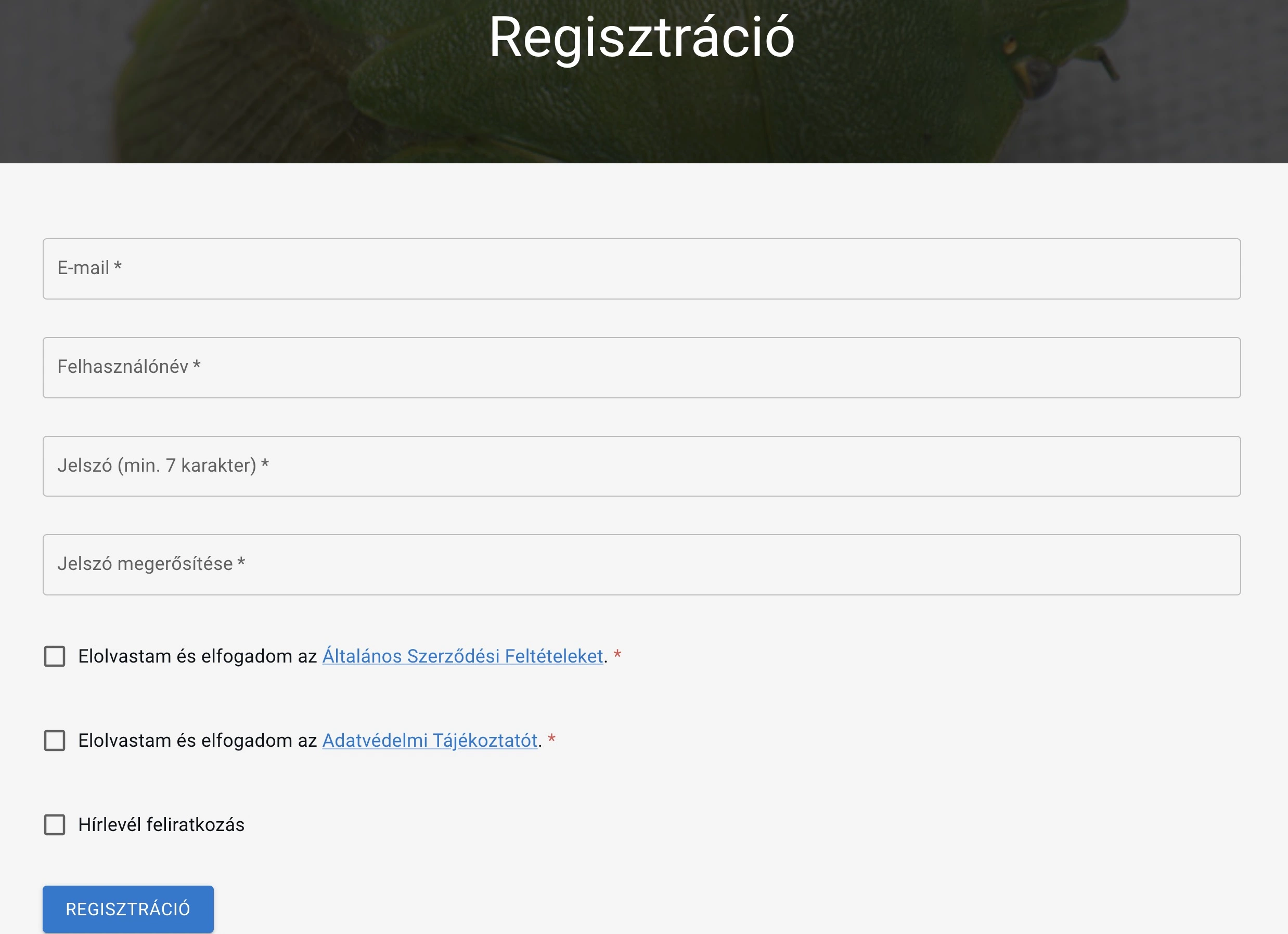 Registration on izeltlabuak.hu
You can initiate registration most easily with the 'Registration' button in the header.
- Click the "Registration" button
- Enter your email address
- Choose a strong password
- Confirm your password
- Read and accept the terms of use and privacy policy
- Optionally subscribe to our newsletter
- Click the "Registration" button
Tip: Use a strong password that contains uppercase letters, lowercase letters, numbers and special characters. Your password should not be easily guessable and don't use it elsewhere.
With Facebook or Google Account
Registration with Facebook or Google account is fast and simple. This method is an excellent choice if you already have accounts on social platforms and want to simplify the login process.
You can initiate your Facebook or Google account registration with the "Register with social platform" button at the bottom of the registration page.
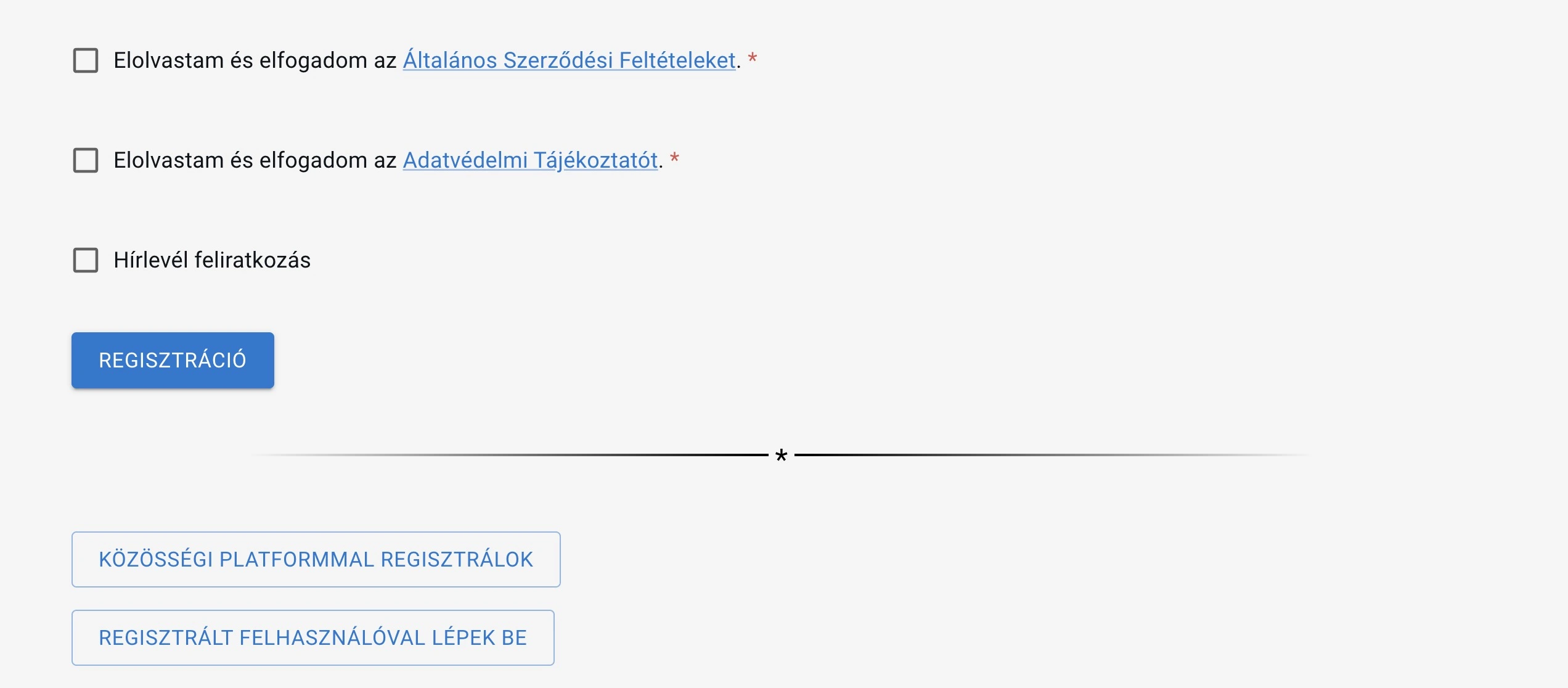 Registration on izeltlabuak.hu with external account
- Click the "Register with social platform" button on the registration page
- Click the "Register with Facebook" or "Register with Google" button
- Allow the application access
- Registration happens automatically
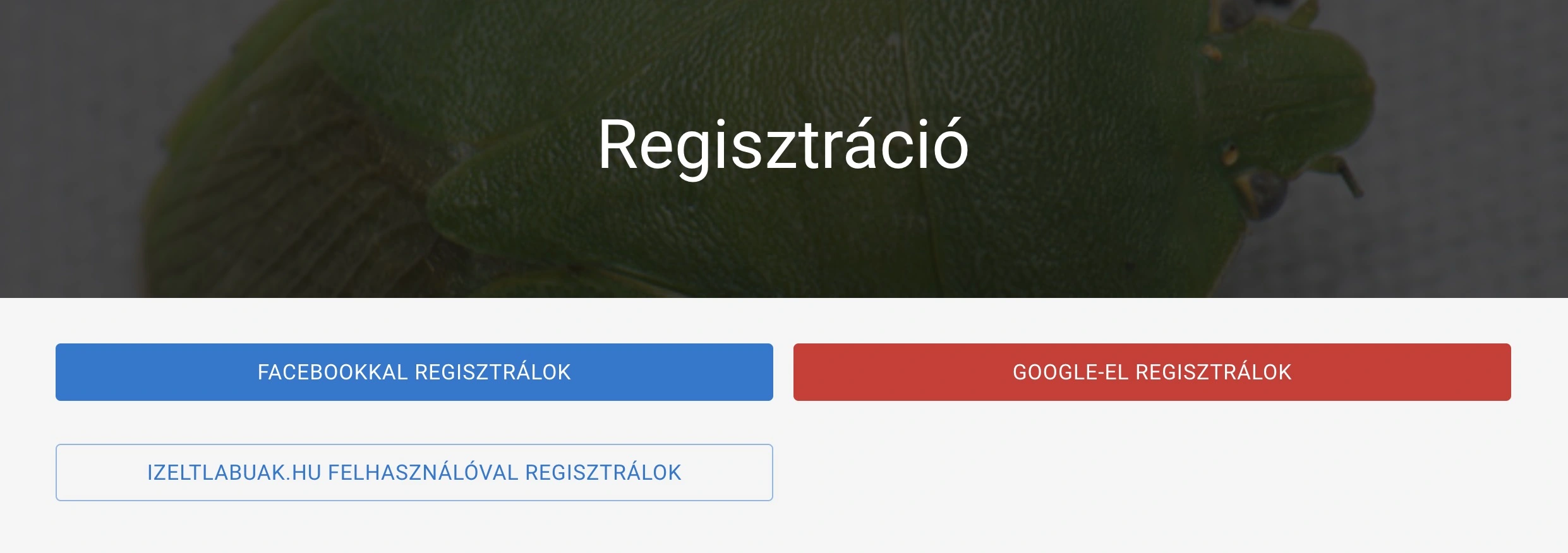 Registration on izeltlabuak.hu with Facebook or Google
Advantages: Fast registration, no need to create and remember a new password, easy login.
During external account registration, an izeltlabuak.hu user account is created. This happens with the email address you use on the external platform. You can set a new password for this email address using the password change function. After that, you can log in with both the email address and the password you provided.
Registration Notification
In case of successful registration, we will inform you about the most important information in an email sent to the provided email address.
Login
After registration, we automatically log you in. If you want to log in again later or from another device, you can do so with the data provided during registration by clicking the "Login" button in the header.
With Email Address
If you registered with an email address, use your provided username and password.
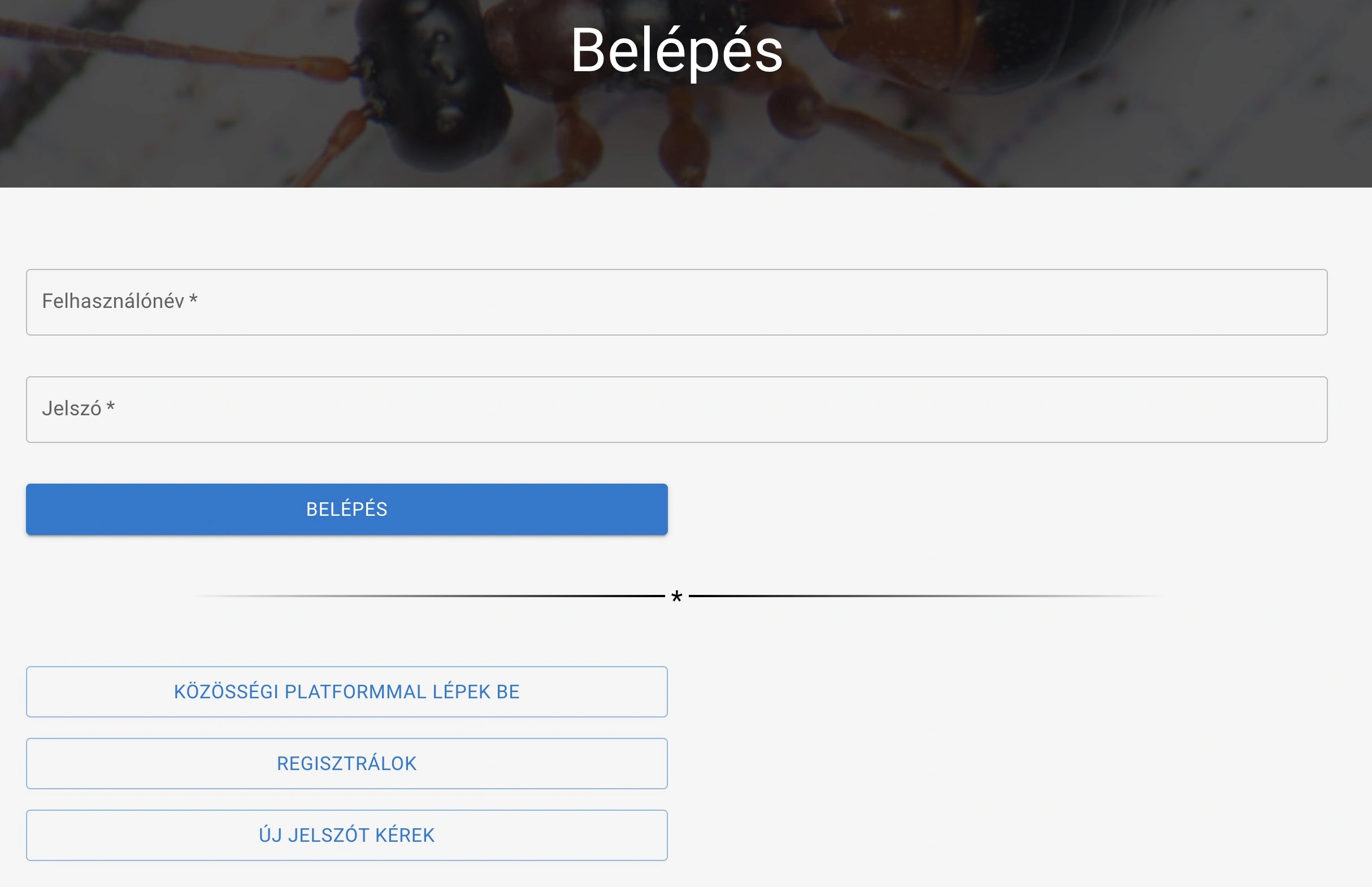 Login to izeltlabuak.hu
With Facebook or Google Account
If you used Facebook or Google platform for registration, you can log in by clicking "Login with social platform" on the login page, then selecting the appropriate platform.
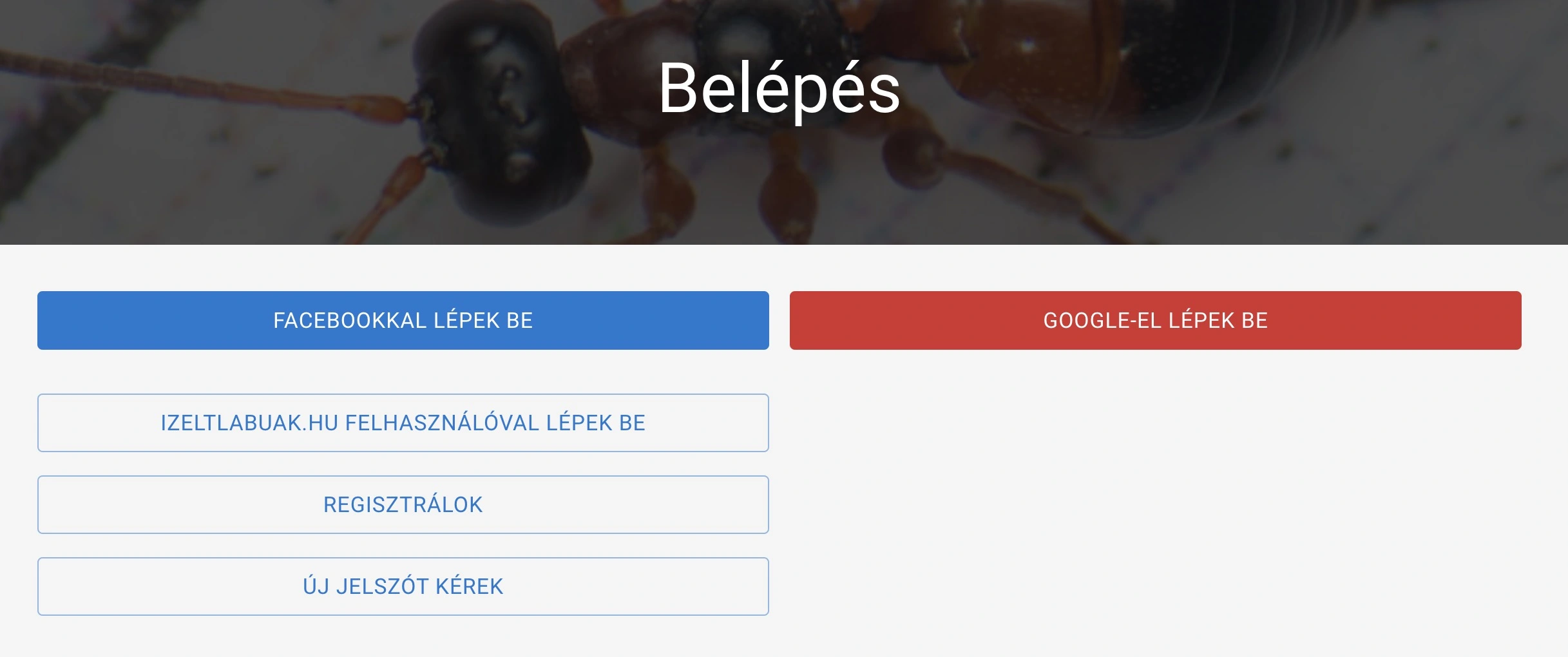 Login to izeltlabuak.hu with Facebook or Google
Linking External Accounts
On the profile settings 'External Account Settings' page, you can link your different types of logins. This way you can log in to the same user account with email, Facebook or Google account.
Why is linking useful?
Linking comes with several advantages:
- Flexible login: You can log in with any method that is more convenient at the time
- Security: If one of your accounts becomes inaccessible, you can still access with the other
- Simplicity: You don't need to remember different passwords
- Data retention: All your data will belong to one user account, regardless of the login method
How do you link accounts?
If you have already registered with an email address and want to add Facebook or Google login:
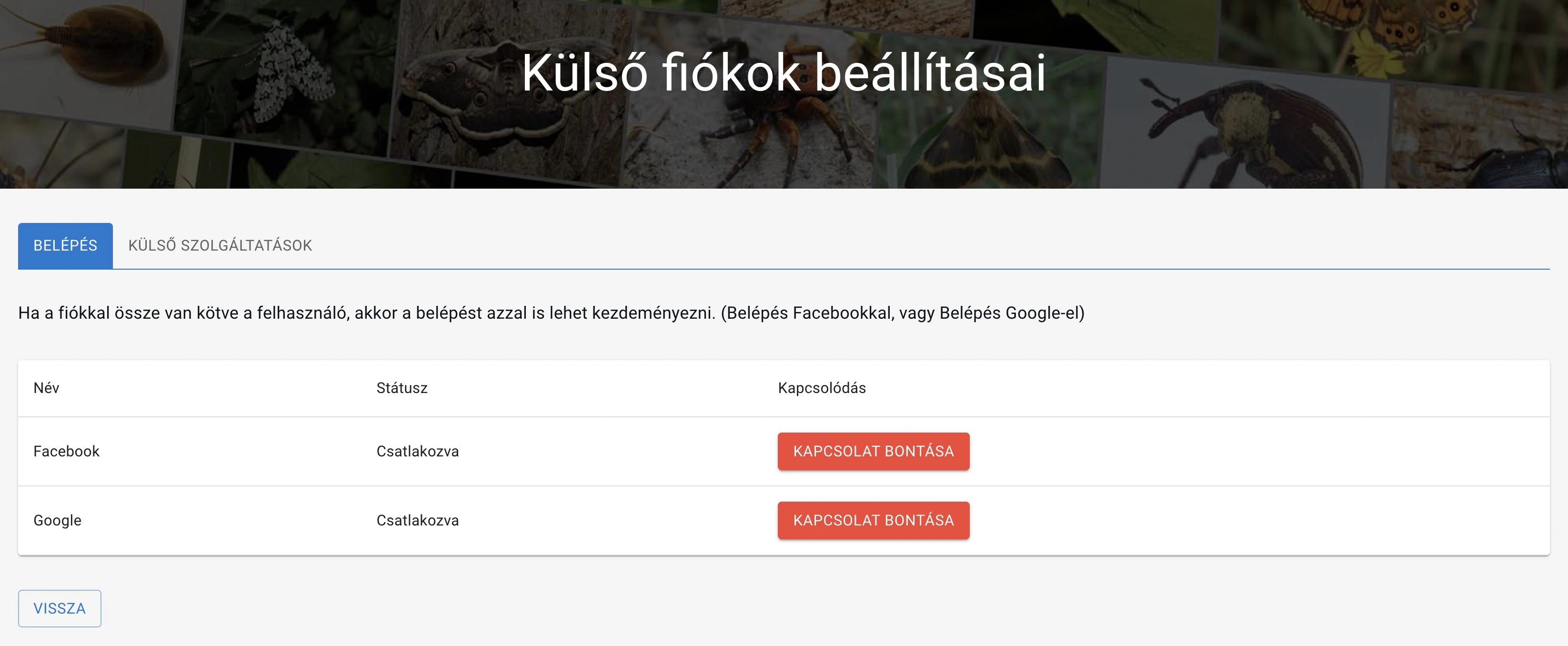 Linking Facebook and Google accounts
- Log in with your email address
- Go to your profile page from the header. From there navigate to your profile settings page by clicking the "My Settings" button
- Go to the External Account Settings page
- In the list you see two items, named Facebook and Google, with a "Connect" button next to them
- Click the "Connect" button
- Allow access in the external service
- The connection happens automatically, from now on you can also log in with the linked service
Disconnecting Links
If the connection has been made, the "Connect" button switches to a "Disconnect" button. If you no longer want to use one of the login methods, disconnection happens immediately when you press the button.
Important: If you accidentally lock yourself out, contact us at info@izeltlabuak.hu. We will help you recover your profile.
Password Change
If you have forgotten the password for your email address, you can request a new password by clicking the "Request new password" button on the login page. In the field that appears, enter your username or email address. We will send an email with a link to the email address associated with your user account. You can use this to set your new password. It is advisable to change your password periodically for security reasons, even if you have not forgotten it.
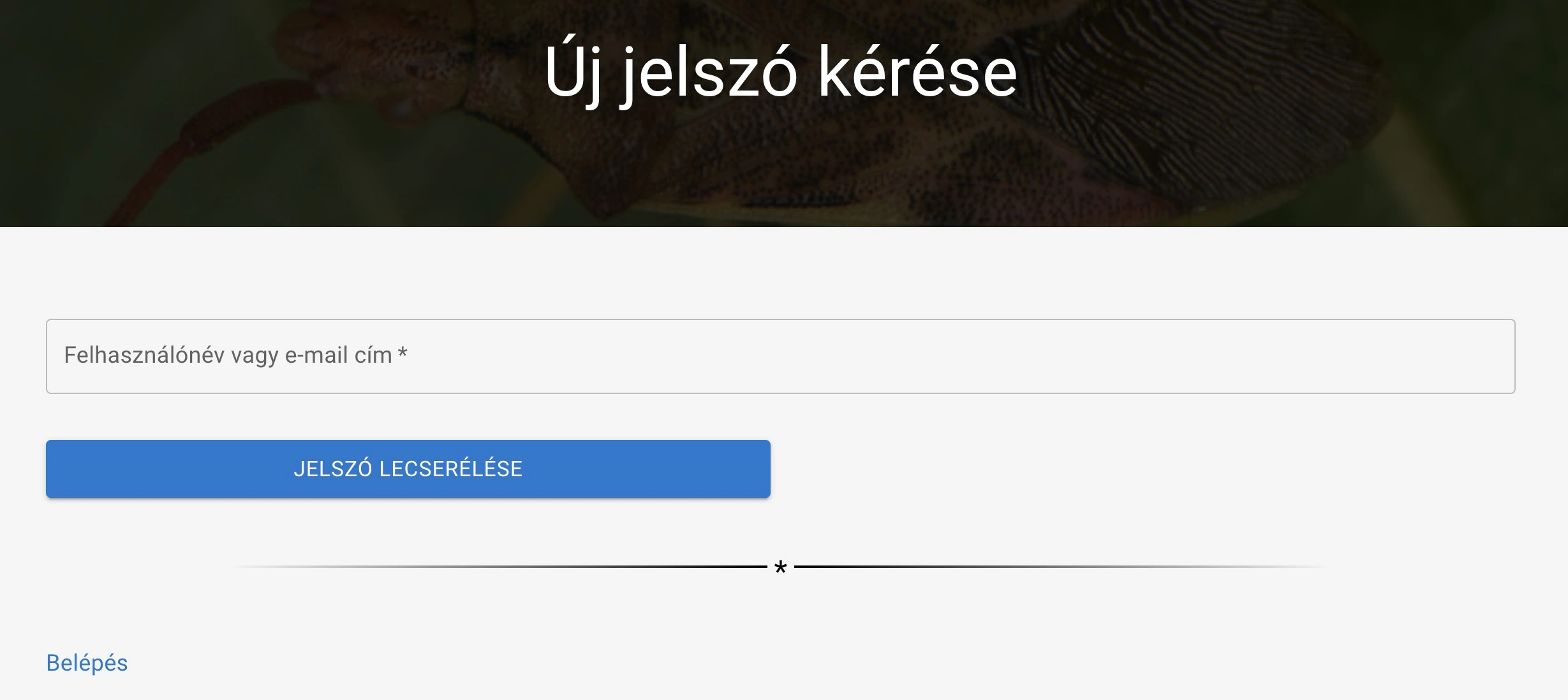 Setting new password
User Deletion
You can request the deletion of your user account and all associated observation data. In your profile page settings, on the Basic Data Settings page you will find a "Delete User" button. Deletion is not automatic. You can initiate the deletion of your user account by writing to info@izeltlabuak.hu. We will fulfill your request as quickly as possible.
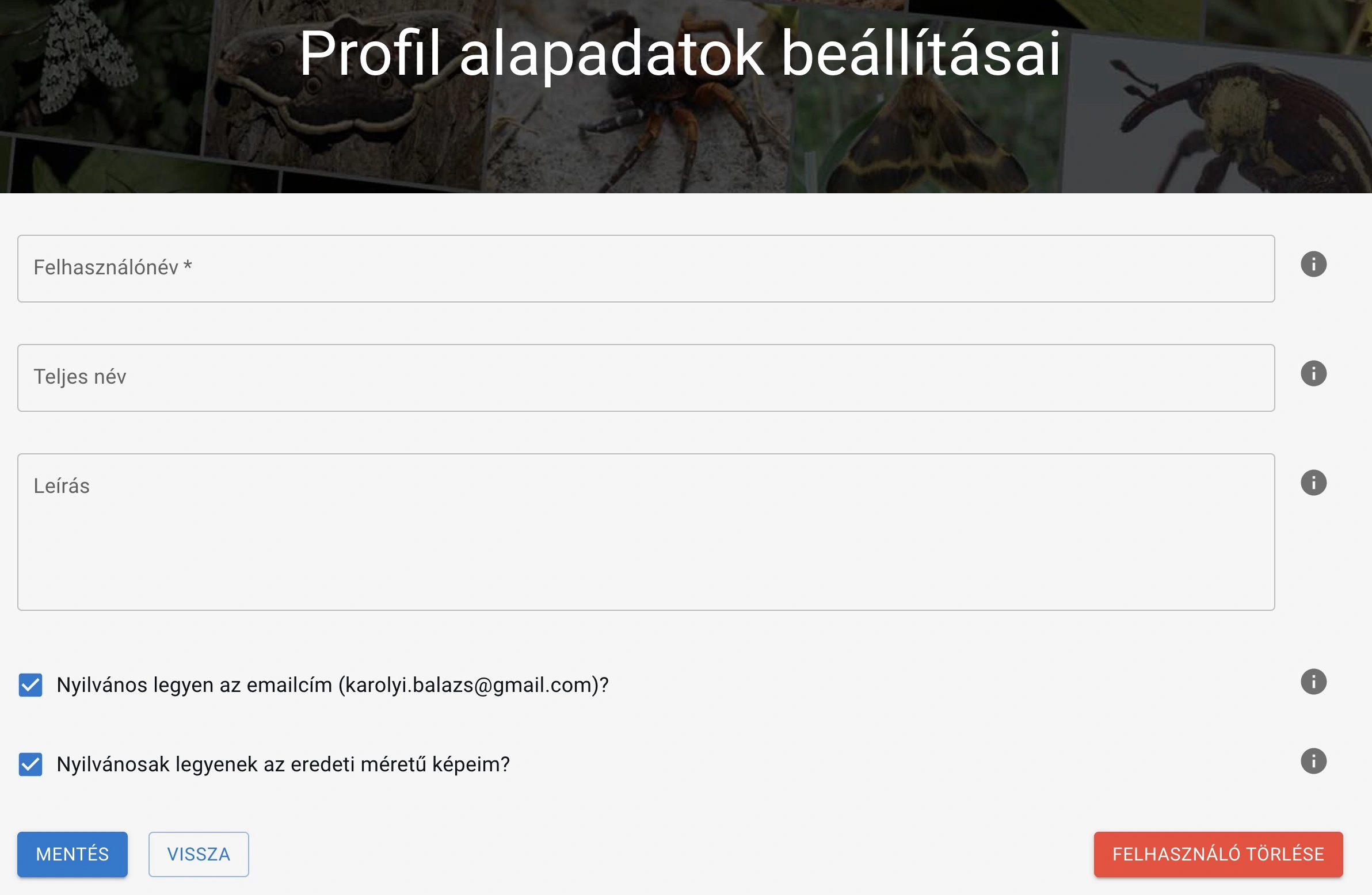 User Deletion
Warning: Account deletion is an irreversible operation! Your user account, observations, images and all your interactions will be deleted. Before committing to it, think through your decision carefully.
Data Backup Before Deletion
If you want to preserve your data, export it before deletion. This allows you to reuse the information later or share it with other platforms. The export does not include your raw images, but it does include references to them. You can initiate those manually using the references.
- Go to your profile page
- Click the "Export Observations" button
- Download the table containing your observation data in csv format
Troubleshooting
If you experience errors during registration or login, write to info@izeltlabuak.hu, we will help.