Notifications About Identifications
The izeltlabuak.hu website primarily focuses on arthropods found in Hungary. This entry also deals with Hungarian fauna.
Introduction
As registered, logged-in users on the izeltlabuak.hu platform, we receive notifications about various events. One such is when an identification arrives for one of our recorded observations. Another is notifications sent by our system. For identifiers there is a third one, which notifies when a modification arrives for one of our identifications from another identifier.
The number of notifications is shown by the indicator visible in the header, in the profile dropdown menu.
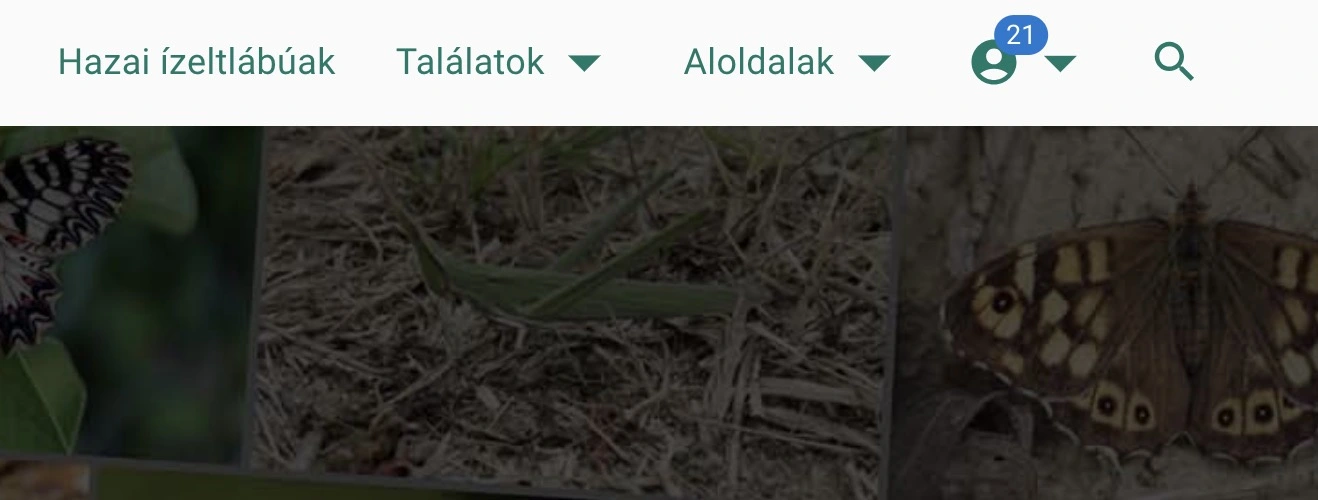 Notification indicator
When opening the menu, we can see the same number indicator at the 'Notification' menu item.
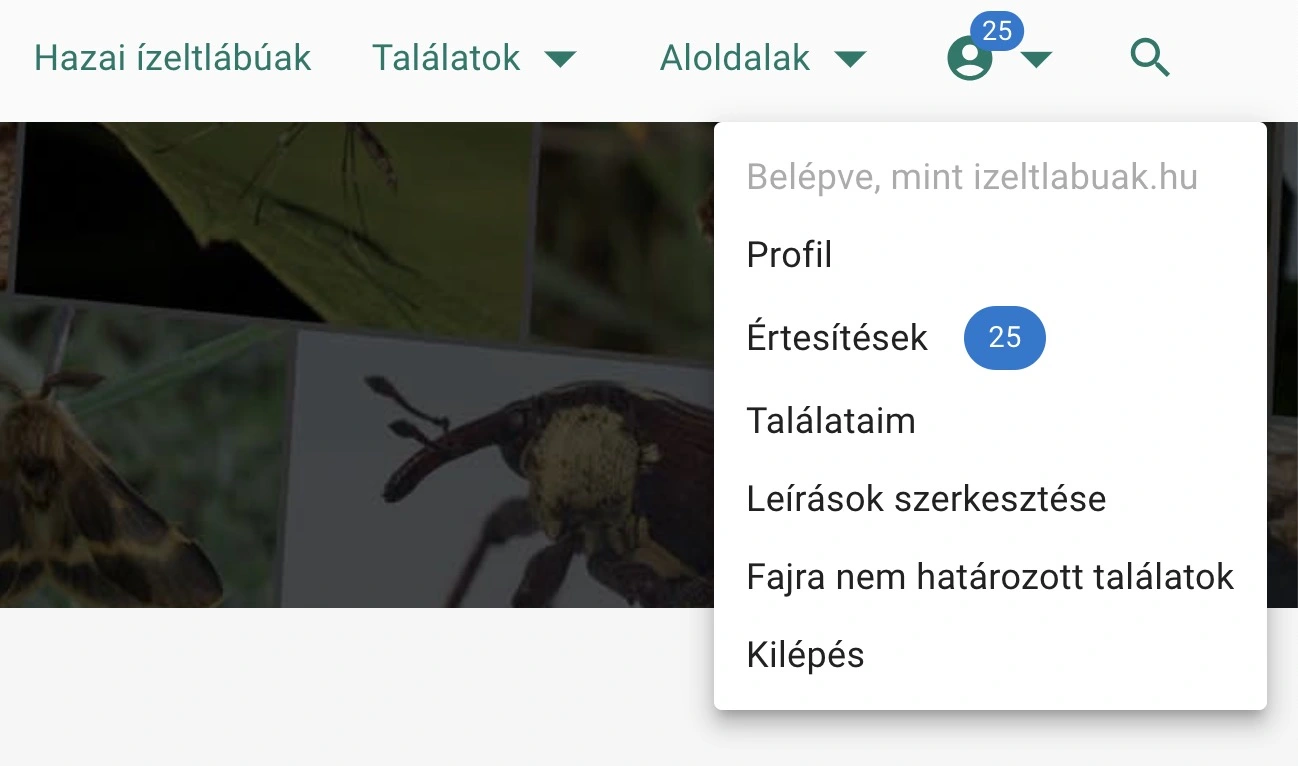 Notifications with open menu
By clicking on the notification menu item, we arrive at a separate subpage, the notifications page.
Displaying Notifications
We receive notifications as unread. At the top of the page we can choose whether to display read or unread ones.
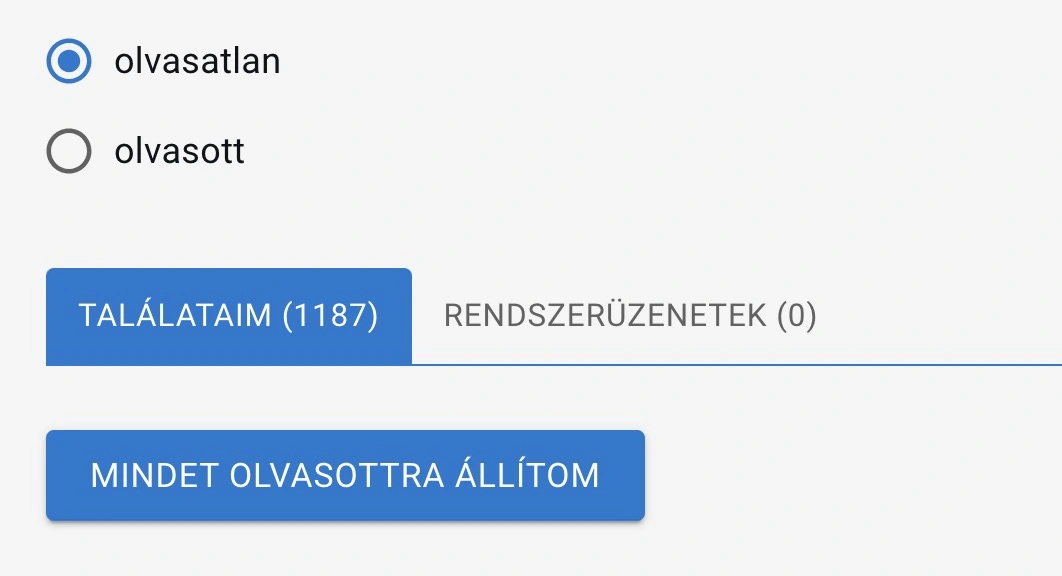 Notification page display settings
On the page we see two tabs:
- Under 'My Observations' we can see notifications about identifications made for our recorded observations.
- Under 'System' we can see notifications sent by izeltlabuak.hu.
For identifiers, a third tab also appears, named 'My Identifications'.
Changing Read Status
You can manually set unread messages to read. You can set all messages to read at once with the 'Set all to read' button. You can modify the same in reverse with the 'Set all to unread' button.
My Observations Tab
Here we can see those observations of ours for which an identification or confirmation has arrived. Each list item indicates an identification submission. We see the details of our observations here, supplemented with identification data:
- Határozva: a taxon neve, amire határozták
- Határozás dátuma
- Határozta: A határozó neve
- Aktuális határozás: egy észlelésnél mindig egy határozás érvényes, a legutolsó. Aktuális a határozás, ha érvényes (azaz a legutolsó megadott). Nem aktuális, ha létezik újabb határozás
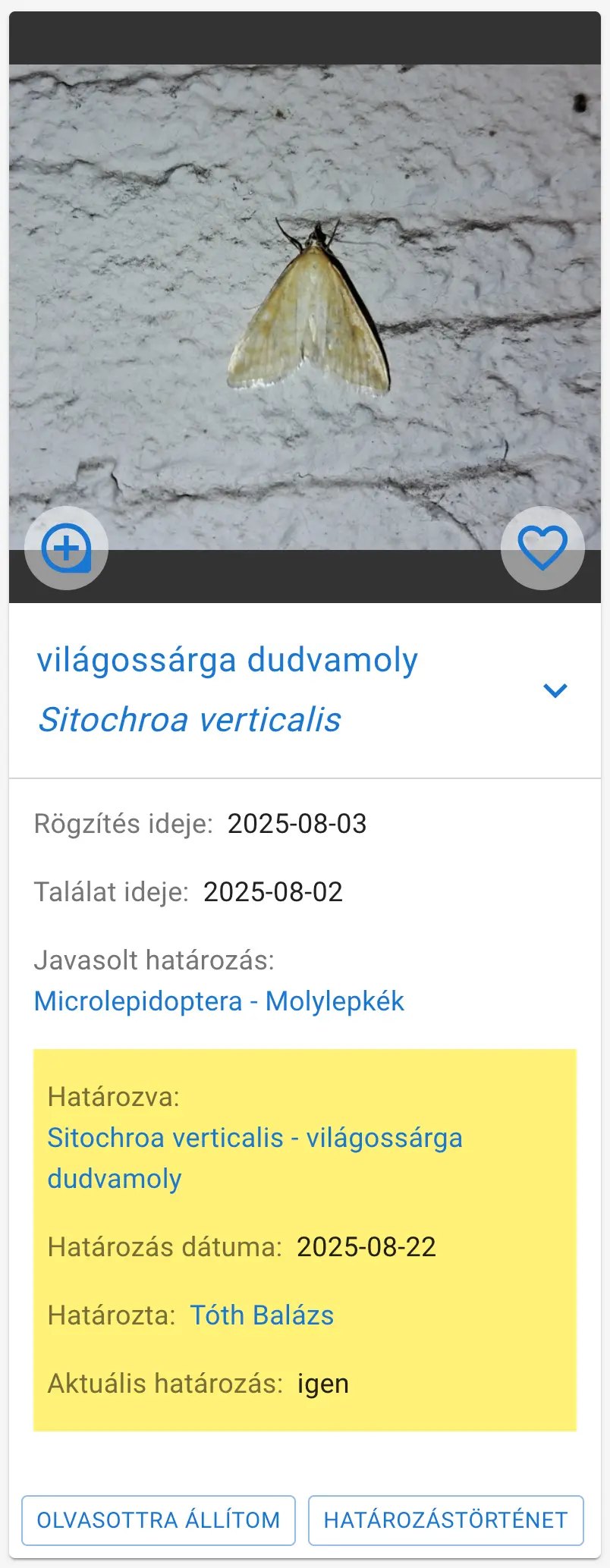 Notification list item
At the bottom of the list items we can change the read status individually with the 'Set to read' and 'Set to unread' buttons.
Here you can also see an identification history button, clicking which you can view previous identifications made for that observation.
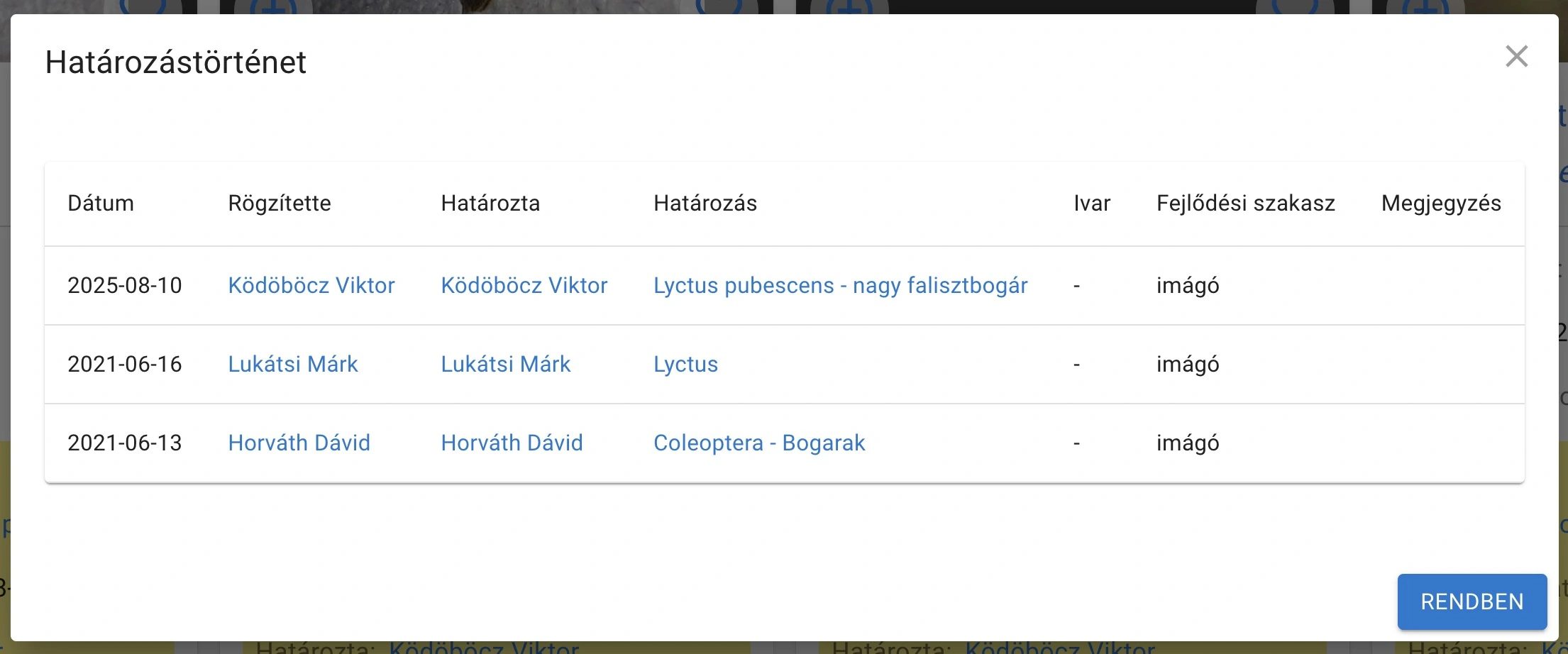 Identification History
On our profile settings page we can customize what level of identifications we receive notifications about.
My Identifications Tab
Here we see modifications and clarifications given by others for observations we have already identified. The list items follow the same appearance as seen in the My Observations tab.
System Messages
Here appear messages considered important by izeltlabuak.hu that are not related to identification, for example that an event is approaching.
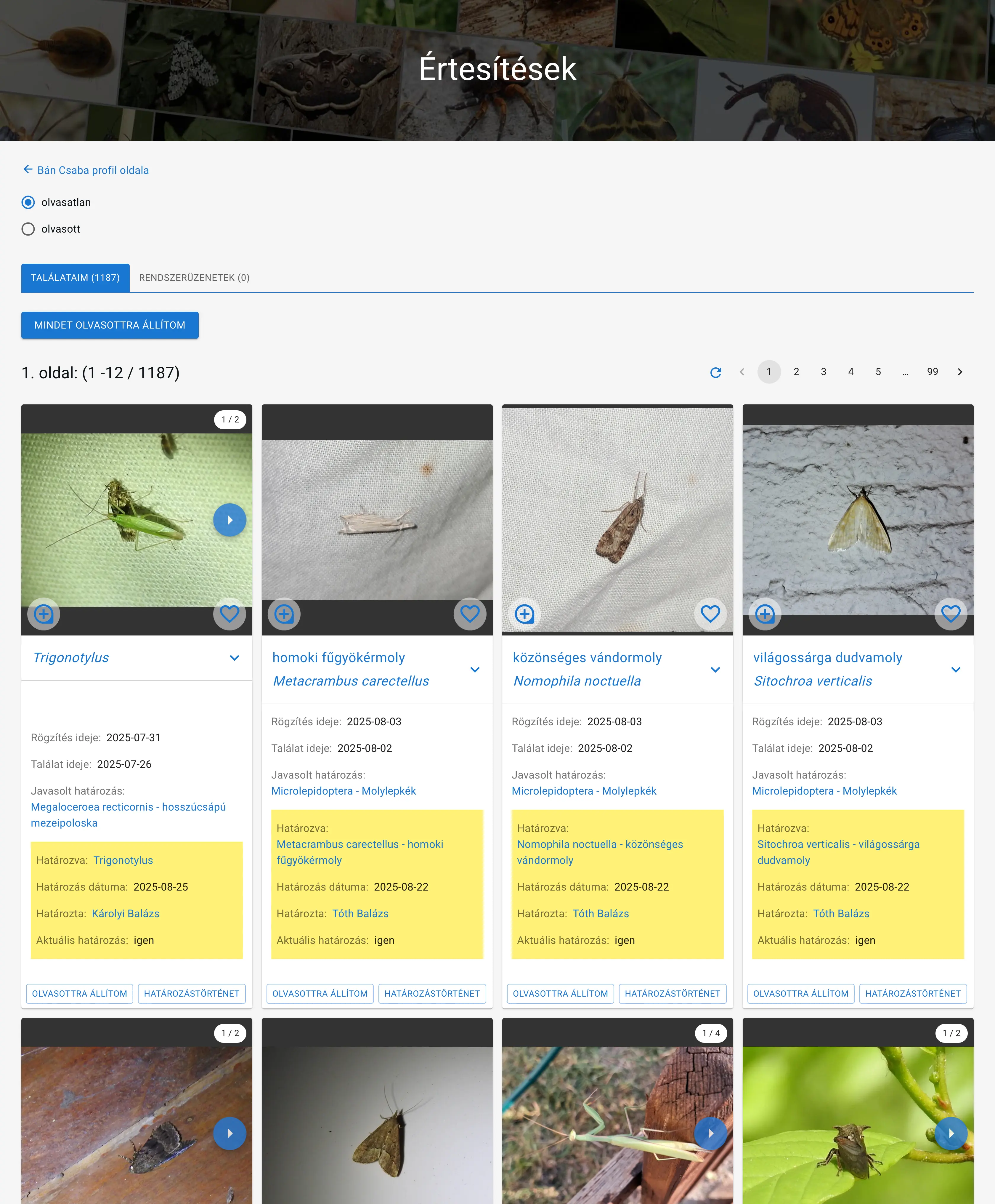 Notifications page